Learn it, practise it, make it yours
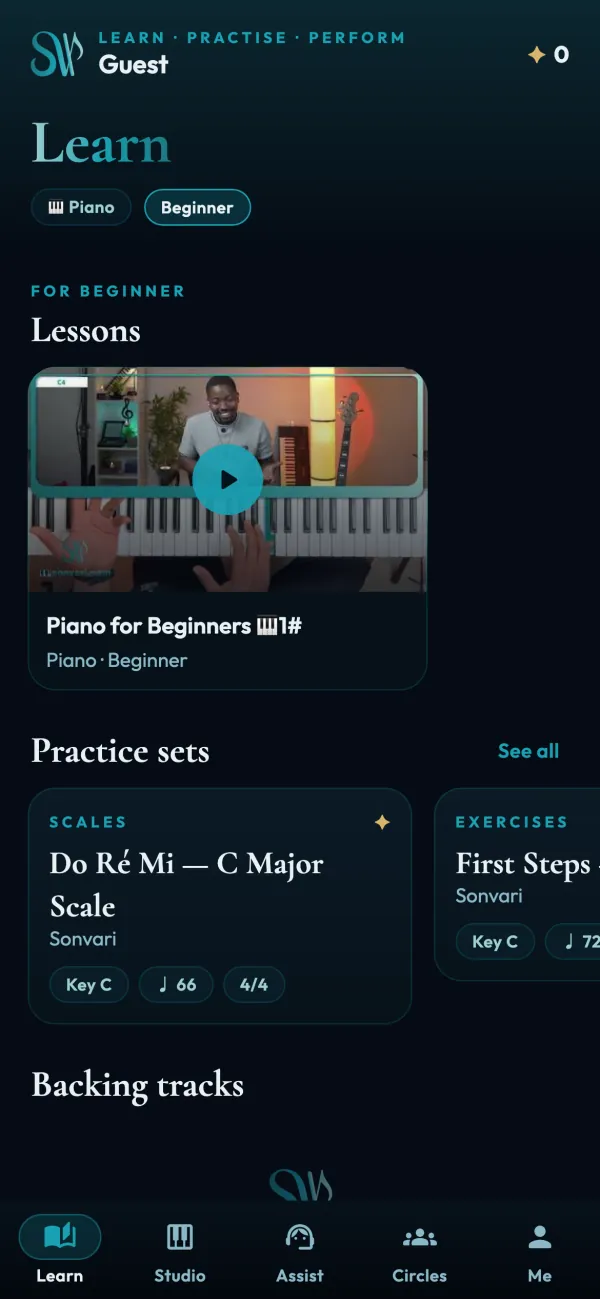
One loop, from the video to your fingers: every screen of the app serves it.
See every note you hear
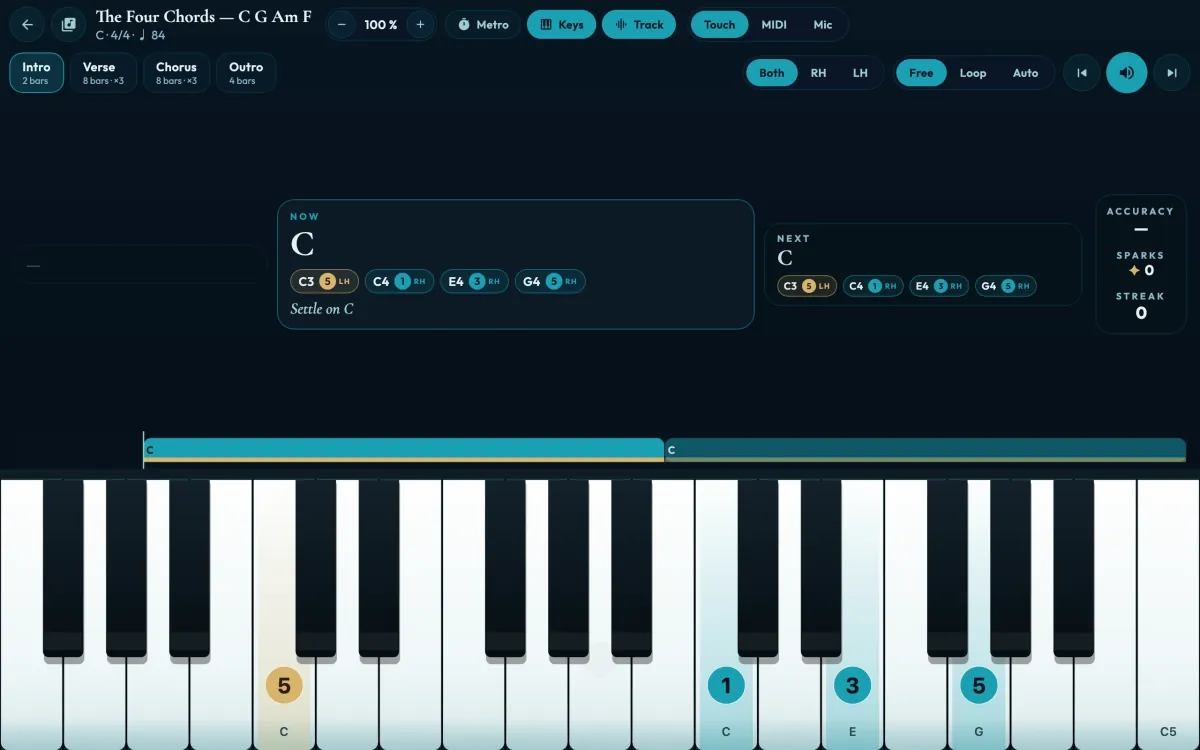
Every lesson comes with its Note Track. Pause the video and the keyboard shows exactly what's being taught, with the fingers for each hand; press play and the keys light up in time.
Practise until it's yours
The Studio loops the intro, verse or chorus without a gap and slows it down without changing the key. Play on screen, on a MIDI keyboard or your own piano through the mic — scored note by note, even offline. In Duo mode, Sonvari listens to your teacher, names each chord and records it for you to practise at home.
Never stuck for long
Ask Sonvari's tutors in the Assist tab with a message, a voice note or a Note Card — a playable chord with the fingers marked — or book a live session with Kevin.
Practise together
Make a private circle with up to seven friends to share your progress, voice notes, takes and short practice clips — and answer each other's questions. No public feed, no follower counts.
Download it for Mac
During early access we send the download link by email, after a quick review: enter your email, confirm it with the 6-digit code we send you, and your link arrives as soon as your request is approved.
- macOS 12 Monterey or later
- Intel Macs, and Apple silicon (M1 and later) through Rosetta
- Not signed by Apple yet — the email shows how to open it the first time
- The first lesson video downloads a one-time video component (about 150 MB)